



Build a complete inventory and equipment system in Unity 6 using UI Toolkit. You'll start from scratch with a reusable window system, design the full UI layout in UI Builder, wire up drag-and-drop item management, render a 3D character preview, and connect everything to player data. No prior UI Toolkit experience needed.
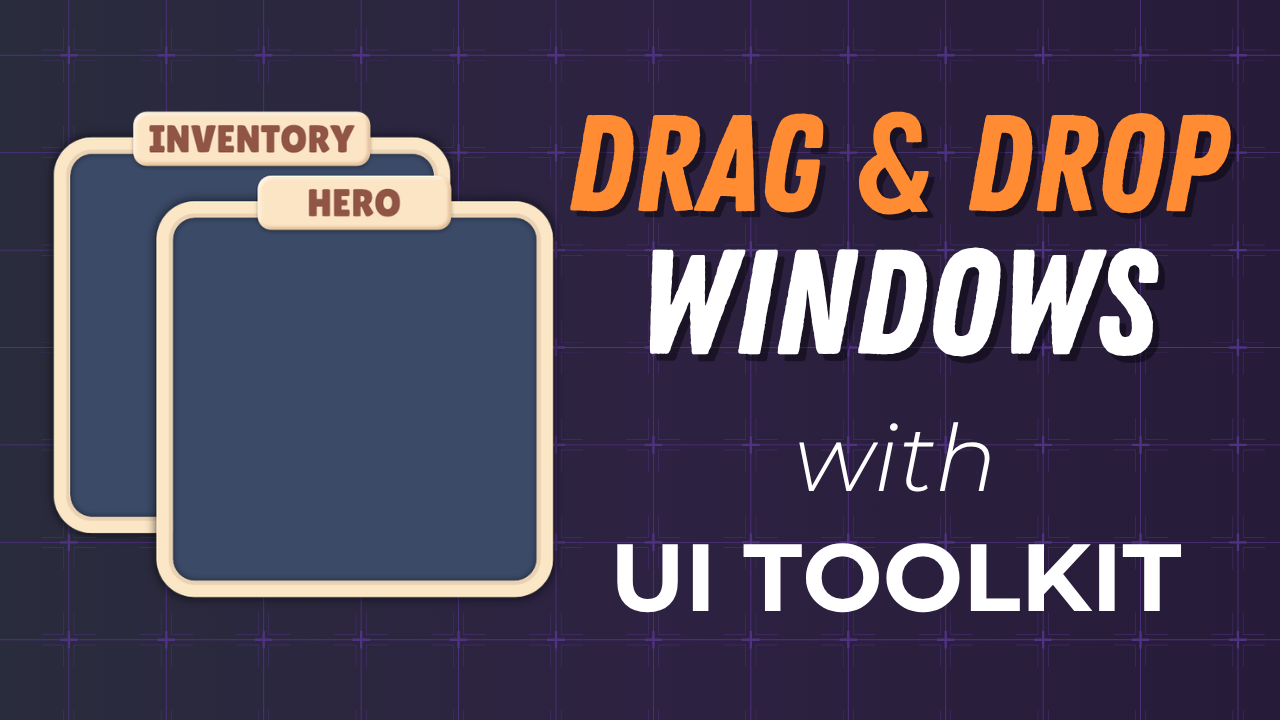
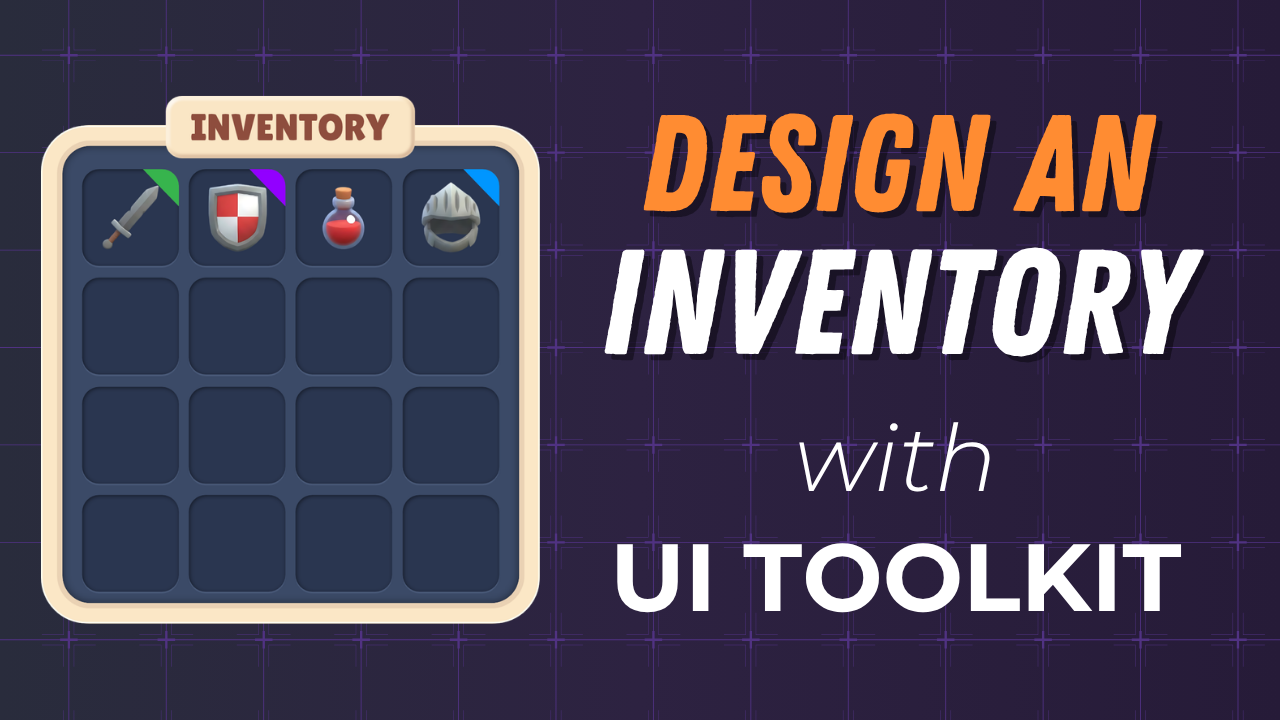
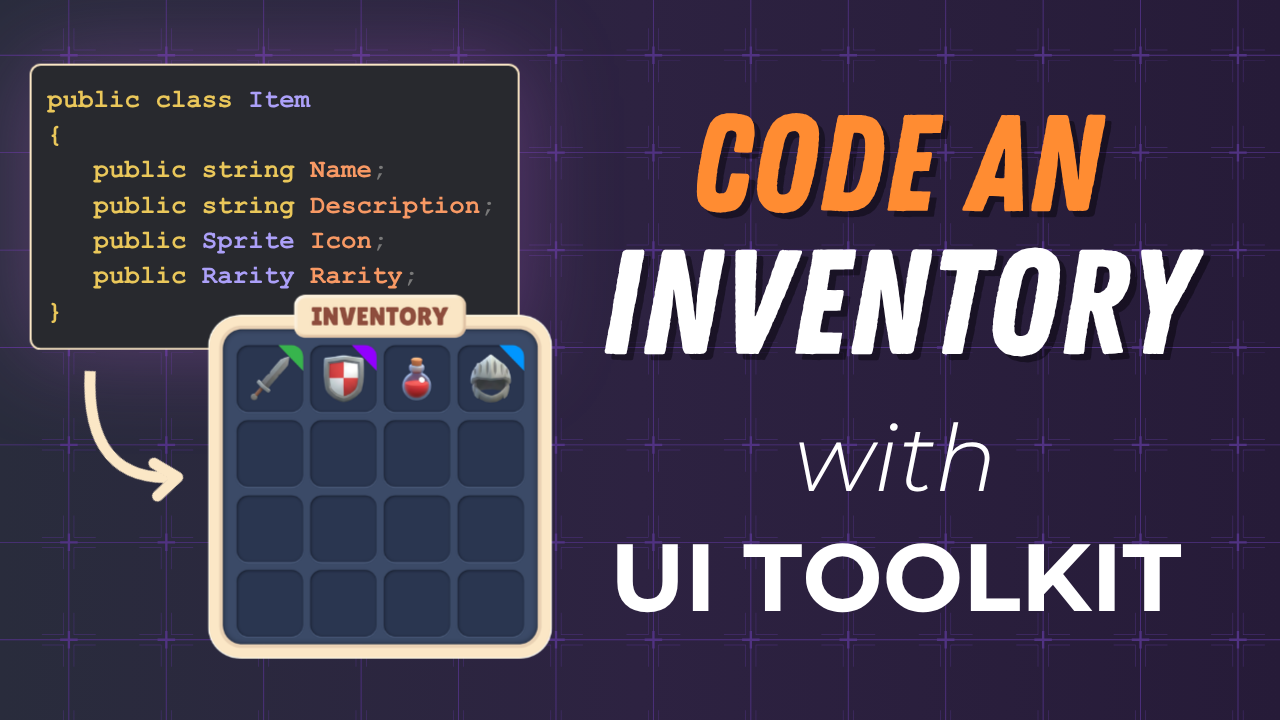
Watch the full playlist | Part 1 Repo | Part 2 Repo | Part 3 Repo | Parts 4-7 coming soon

Older tutorials hosted on this org. These were published before the YouTube channel but are still useful references.
| Topic | Repos |
|---|---|
| UI Toolkit | Runtime Inventory, Health Bars, Progress Bars, Map System, Spatial Inventory Pt 1, Pt 2, Custom Editor |
| Input System | Configurable Camera, Touch Input, C# Action Callbacks, Point & Click Movement |
| AI | Behavior Trees |
| Addressables | Dynamic Loading, Remote Catalog |
| Cloud Services | Player Data (Cloud Save) |
| Getting Started | Unity Basics, Selection Logic, Compass (uGUI) |
I'm a self-taught developer and artist. I've built game services, run an indie studio, taught thousands of developers, and worked in developer advocacy. I make tutorials and breakdowns using Unity, Godot, Blender, GitHub Copilot, and whatever else gets the job done.
- New videos: youtube.com/@staceyhaffner
- Legacy written tutorials: whatupgames.com/tutorials
